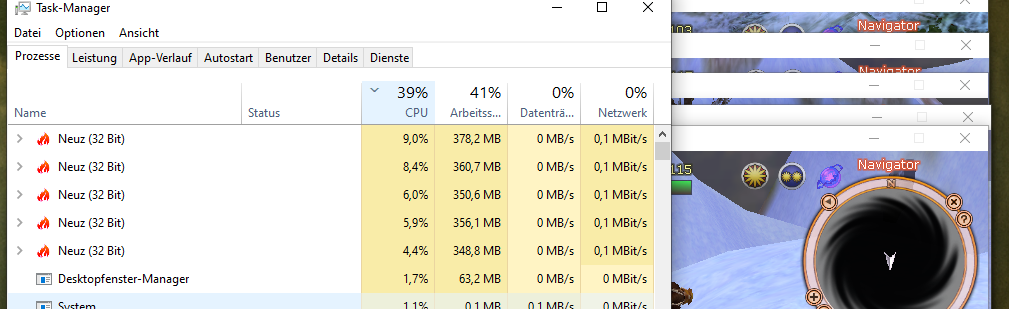
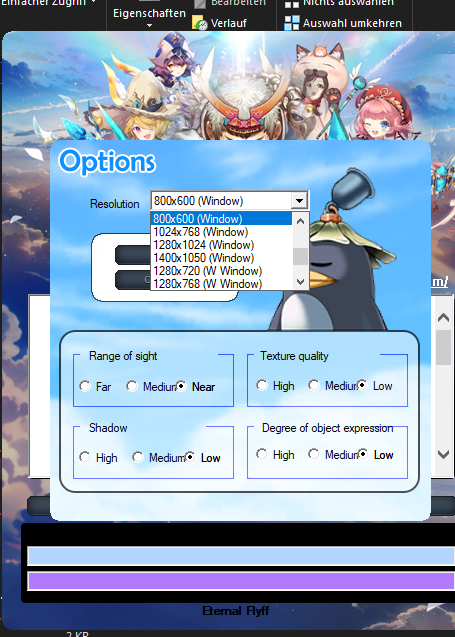
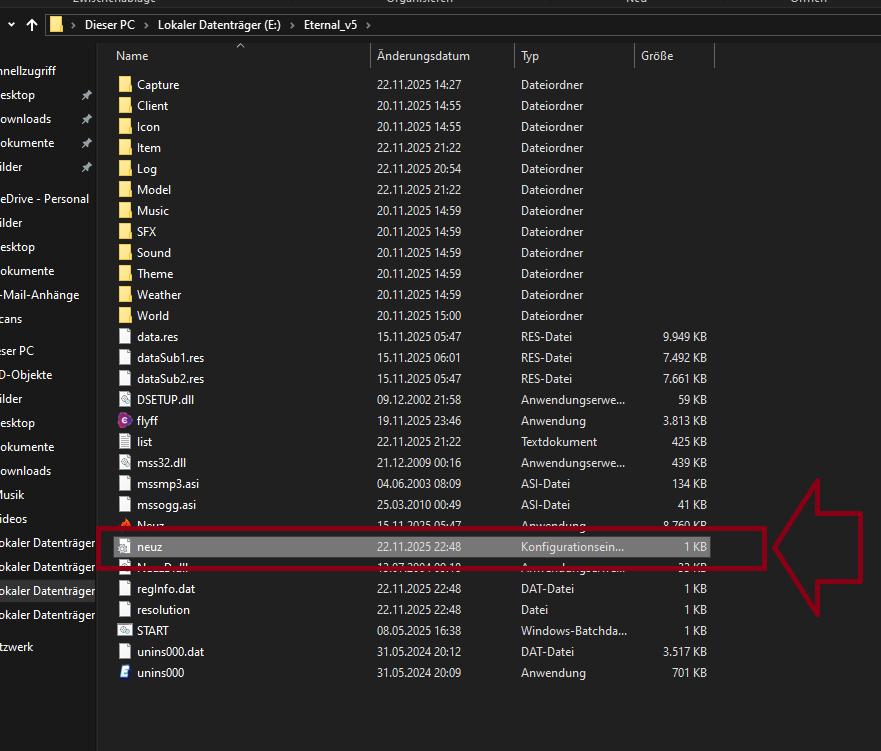
German: Hallo! Wenn du mehrere Flyff-Clients für AFK-Farming oder AI-Farming laufen lassen möchtest, kopiere einfach deinen Flyff-Ordner und passe die neuz.ini entsprechend an. Damit solltest du etwa 50 % CPU und RAM sparen. Cheers 🙂
English: Hello! If you want to run multiple Flyff clients for AFK farming or AI farming, just copy your Flyff folder and edit the neuz.ini like this. It should save about 50% of CPU and RAM. Cheers 🙂
// neuz browser ini file
// Screen settings
resolution 800 600
fullscreen 0
// Graphics – all disabled
texture 0
view 0
detail 0
distant 0
shadow 0
bloom 0
WEATHEREFFECT 0
RollEffect 0
GlowColor 0
// UI & render optimization
WindowAlpha 255
DamageRender 0
BuffTimeRender 0
SFXRenderOff 1
SFXLEVEL 0
PRenderName 0
OPRenderName 0
NRenderName 0
// Camera & controls
CameraLock 1
ZOOMLIMIT 1
MouseSpeed 1
AutoAttack 1
// Disable all sound (saves resources per client)
Sound 0 0.0 0.0
BattleBGM 0
nMusic 0
// Disable tips, guides & notices
tip 0
notice 0
noticeTime 0
Guide 0
Guide2 0
Guide3 0
InstantHelp 0
// Reduce chat spam
SlangWord 0
ChatCommand 0
SkillShowMessage 0
// Misc
Interface 1
saveAccount 1
Trade 1
Say 1
Party 1
Shout 1
MessengerJoin 1
Messenger 1
Server 0 0
ChatFilter0 31
ChatFilter1 31
ChatFilter2 5
ChatFilter3 9
ChatFilter4 17
ChatFilterEtc 832
ip „“
BRIGHT 0
GAMMA 0.000000
CONTRAST 0.000000
BUFFSTATUSMODE 1
VIEWMASK 0
Petfilter 0
HidePickupPets 1
Keys 1
// FPS limit (recommended for multi-client setups)
nFrames 30
GITHUB LINK: (Copy PASTE) https://github.com/SarkanyWolf/Neuz.ini/blob/main/Neuz.ini